
Written By: Ethan Cox
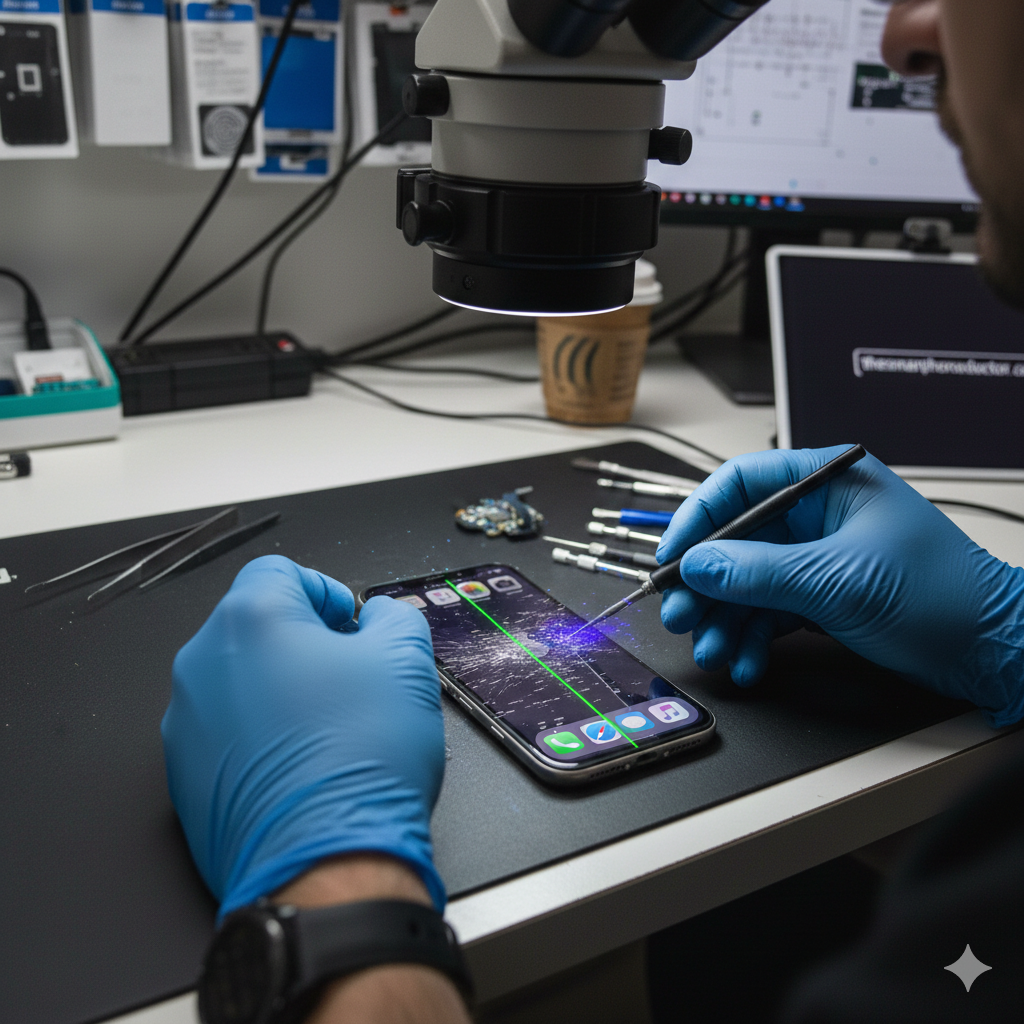
It starts with a subtle flicker. Then, perhaps, a mysterious green line appears down the center of your display, or worse—your phone starts opening apps and sending gibberish texts all by itself. This is “Ghost Touch,” and it’s one of the most frustrating hardware issues a smartphone owner can face.
As the technical lead at The Smartphone Doctor, I’ve seen thousands of devices suffering from display malfunctions. Whether you’re using an iPhone or an Android, screen glitches are a classic YMYL (Your Money or Your Life) tech emergency. Your phone is your gateway to your bank, your work, and your family. When the screen fails, your digital life stalls. In this guide, we’ll use our decade of repair expertise to explain exactly why this happens and how you can resolve it.
Section 1: The Science Behind the Glitch
A smartphone display isn’t just a piece of glass; it’s a complex sandwich of layers including the OLED/LCD panel, the digitizer (which senses touch), and the protective Gorilla Glass. When any of these layers lose communication with the logic board, glitches occur.
The Most Common Display Symptoms
- Ghost Touch: The device registers touches that you aren’t making.
- Vertical Green/Pink Lines: Usually indicative of a hardware failure in the display’s ribbon cable or controller chip.
- Screen Flickering: Rapid brightness or color shifts, often caused by software bugs or loose internal connections.
According to a 2024 mobile industry report, display issues account for nearly 60% of all out-of-warranty smartphone repairs. Understanding whether your issue is a simple software bug or a terminal hardware failure is the first step toward a fix.
Section 2: Deep Dive into the “Big Three” Issues
1. Ghost Touch: The Digitizer Dilemma
Ghost touch often stems from physical interference. It can be caused by:
- Micro-debris: Tiny conductive particles trapped under a screen protector.
- Voltage Instability: Using a low-quality, non-MFi certified charger can cause electrical “noise” that confuses the digitizer.
- Structural Damage: A slight bend in the phone frame can put pressure on the display layers.
2. The Infamous Green Line of Death
This is almost exclusively a hardware issue. It occurs when the COF (Chip on Film) or the ribbon cable connecting the screen to the motherboard is damaged. While some software updates have been known to cause this in specific OLED models, it usually requires a professional repair a device service to replace the panel.
3. Flickering and Stuttering
If your screen looks like a strobe light, it could be “Display Driver” corruption. This is common after an OS update or if the phone has been exposed to extreme temperatures, affecting the liquid crystals or light-emitting diodes.
Section 3: Expert Troubleshooting Steps
Before you assume you need a brand-new phone, follow these steps to narrow down the cause.
Step 1: Clean and Strip
Remove your phone case and screen protector. Oils and static buildup on a dirty protector are the #1 cause of Ghost Touch. Clean the screen with 99% Isopropyl alcohol and a microfiber cloth.
Step 2: The “Force Restart”
A software glitch in the graphics driver can often be cleared with a hard reset.
- iPhone: Volume Up, Volume Down, then hold the Power button.
- Android: Hold Power and Volume Down for 10 seconds.
Step 3: Check for “Screen Burn-in” vs. Glitching
Go to a pure white background. If you see faint “shadows” of old apps, that’s burn-in. If you see moving lines or flickering, it’s a connection issue.
Step 4: Safe Mode (Android Users)
Boot your phone into Safe Mode to see if a third-party app is causing the flickering. If the glitch disappears in Safe Mode, delete your most recently installed apps.
Professional Disclaimer: If your screen has visible cracks or liquid contact, DIY software fixes will not work. In these cases, internal corrosion can spread, making data recovery services much more difficult later on.
Section 4: [Conclusion and Final Thoughts]
Screen glitches are rarely “just a phase.” A flickering screen or a single green line is often a warning sign that the display is about to fail completely. If the troubleshooting steps above don’t work, it’s vital to back up your data immediately while you still have some visibility.
At The Smartphone Doctor, we pride ourselves on transparency. Sometimes, a screen repair isn’t cost-effective for an older model. In those cases, we can help you sell a device for parts and help you buy a device that’s certified and ready to go.
Ready to get your screen fixed?
- Contact our expert team for a quote.
- Visit our Location for a 1-hour screen replacement.
- Read more About Us and our commitment to quality parts.
FAQs
Q1: Can a software update fix green lines on my screen?
A1: Rare, but possible. Some manufacturers (like Samsung and OnePlus) have released patches for specific models where software was over-driving the voltage to the screen. However, in 90% of cases, it is a hardware failure.
Q2: Is ghost touch a virus?
A2: No. Ghost touch is almost always related to physical pressure, moisture, or a failing digitizer. It is not a hacker controlling your phone.
Disclaimer: The information provided in this article is for educational and informational purposes only. Smartphone repairs involve sensitive electronic components. Attempting DIY repairs can result in permanent device damage, data loss, or personal injury. The Smartphone Doctor is not liable for any damage caused by following these steps. If your device is under warranty or contains critical data, we strongly recommend consulting a professional technician before attempting any hardware intervention.